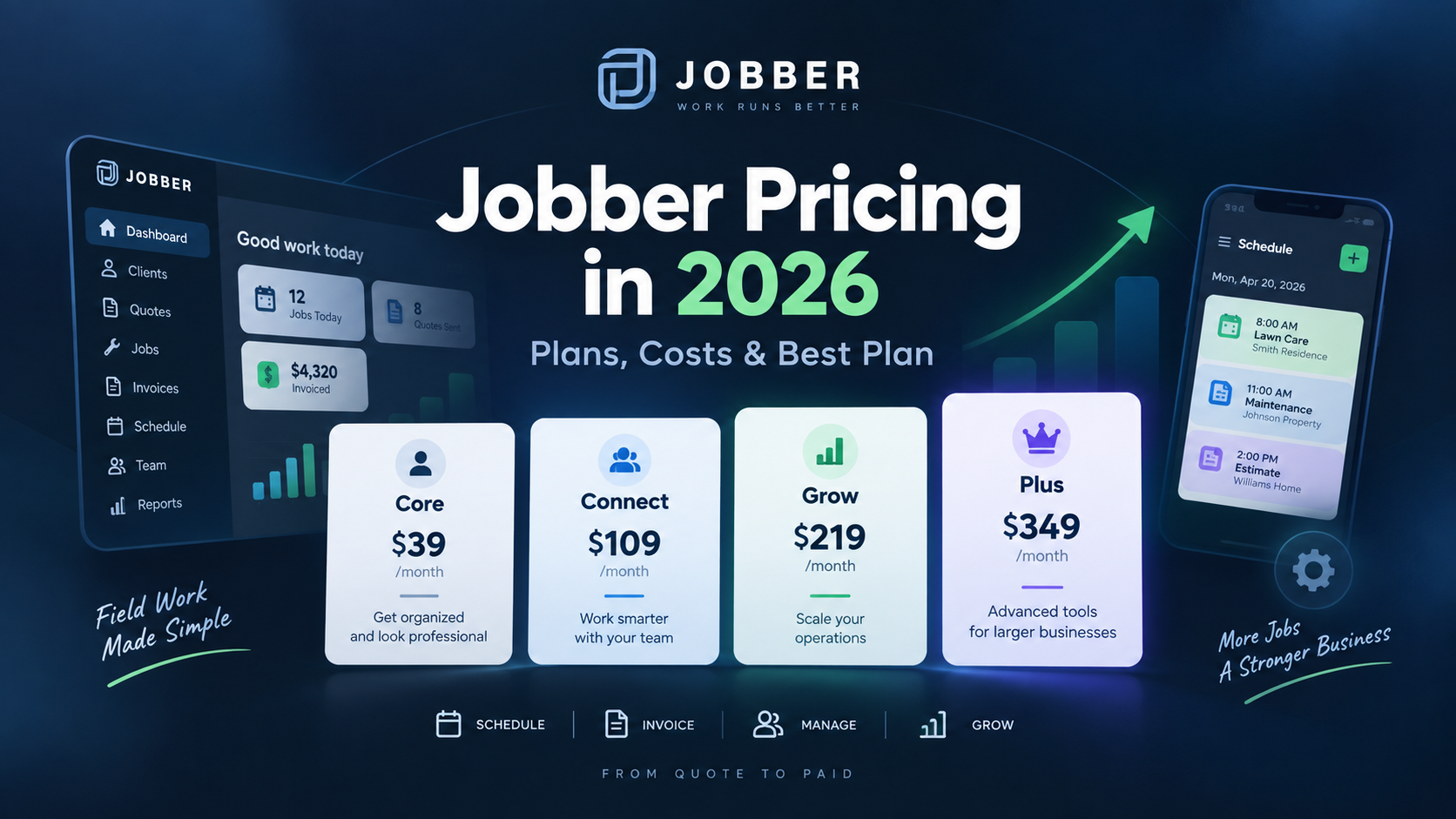
Jobber is one of the most widely used field service management platforms for home service businesses, but its pricing can look confusing at first.
There are four main plans—Core, Connect, Grow, and Plus—and the amount you pay depends on the plan, billing method, and team size.
The cheapest advertised option starts at $29 per month, but a growing service company can easily spend more than $100 or even several hundred dollars per month once additional users and advanced features become necessary.
So how much does Jobber actually cost in 2026?
In this guide, we break down Jobber pricing, what each plan includes, which features require higher tiers, and which plan makes the most sense for different types of home service businesses.
Pricing and features were reviewed in September 2026 and may change over time.
Jobber Pricing at a Glance
| Plan | Annual Starting Price | Best For |
|---|---|---|
| Core | $29/month | Solo operators |
| Connect | $99/month | Small teams needing automation |
| Grow | $149/month | Growing businesses focused on sales and profitability |
| Plus | $399/month | Larger teams and complex operations |
Jobber offers three main billing approaches:
- No-commitment monthly billing
- Monthly payments with a one-year commitment
- Annual billing paid upfront
Annual billing provides the lowest advertised monthly equivalent. All prices are listed in U.S. dollars.
Jobber Core Pricing
Jobber Core currently starts at:
$29/month when billed annually
The same plan currently costs:
$39/month with a one-year commitment paid monthly
or:
$49/month with no commitment
Core is designed primarily for solo operators and supports one user.
What Does Jobber Core Include?
Core includes the foundational tools a small service business needs to replace spreadsheets, basic calendars, and manual invoicing.
Key features include:
- Client management
- Online booking
- Scheduling
- Quotes
- Jobs
- Invoices
- Online payments
- Basic reporting
- App marketplace integrations
- A professional website
- One user
The plan supports unlimited quotes, jobs, and invoices.
Who Is Core Best For?
Core makes the most sense for:
- Solo plumbers
- Independent electricians
- One-person HVAC businesses
- Solo cleaners
- Lawn care operators
- Handymen
- Small landscaping businesses
- Side businesses transitioning into full-time operations
If you are still personally handling most customer communication, scheduling, estimates, and invoicing, Core may provide enough functionality.
Core Limitations
The biggest limitation is that Core is designed around one user.
It also lacks several automation and profitability features found on higher plans.
Businesses that need automatic reminders, QuickBooks synchronization, time tracking, job costing, advanced quoting, or more sophisticated team workflows will need to upgrade.
Core Verdict
Core offers the strongest Jobber value for a solo home service business.
At $29 per month with annual billing, it provides professional scheduling, quotes, invoices, payments, and customer management without requiring a large software budget.
Jobber Connect Pricing
Jobber Connect currently starts at:
$99/month when billed annually
Other pricing options currently include approximately:
$119/month with a one-year commitment
and:
$139/month with no commitment
Pricing can also change based on team size.
Connect includes everything in Core and adds more automation and team-oriented tools.
What Does Jobber Connect Include?
Important Connect features include:
- Automated appointment reminders
- Automatic payment collection
- Quote follow-ups
- Invoice follow-ups
- Checklists
- QuickBooks Online synchronization
- Time tracking
- Expense tracking
- Customer communication improvements
- Team workflow tools
Jobber describes Connect as a plan focused on building more efficient processes and automating repetitive work.
Why Automation Matters
A solo contractor can often remember which customer needs a follow-up.
That becomes harder once a business is managing dozens or hundreds of customers.
For example, without automation:
- You send a quote.
- The customer does not respond.
- You need to remember to follow up.
- A week passes.
- The opportunity may be lost.
Connect can automate several of those routine reminders.
The same concept applies to unpaid invoices and upcoming appointments.
QuickBooks Integration
Connect adds QuickBooks Online synchronization.
That can be valuable for businesses that use Jobber for day-to-day field-service operations while keeping accounting inside QuickBooks.
Instead of manually entering the same financial information twice, the systems can exchange relevant data.
Who Is Connect Best For?
Connect makes sense for businesses that:
- Have employees
- Manage recurring customers
- Want automated reminders
- Use QuickBooks Online
- Need employee time tracking
- Want quote and invoice follow-ups
- Are starting to feel overwhelmed by administrative work
Connect Verdict
Connect is the point where Jobber starts becoming more valuable for a small team rather than just a solo contractor.
The price jump from Core is significant, but businesses handling higher job volume may save enough administrative time to justify it.
Jobber Grow Pricing
Jobber Grow currently starts at:
$149/month when billed annually
The current no-commitment price for a one-user configuration is approximately:
$199/month
Jobber also offers configurations for larger teams, which cost more.
Grow includes everything in Connect and introduces features focused more heavily on sales, profitability, and automation.
What Does Jobber Grow Include?
Grow adds functionality such as:
- Advanced quote customization
- Optional quote line items
- Images in quotes
- Customer reviews inside proposals
- Two-way SMS
- Custom workflow automation
- Job costing
- Automatic time tracking
- More advanced sales tools
- Profitability insights
Jobber positions Grow toward contractors trying to win larger jobs and improve profitability.
Advanced Quotes
One of Grow’s major differences is advanced quote customization.
Businesses can add:
- Images
- Project summaries
- Attachments
- Google reviews
- Optional line items
- More customized presentation
These features are especially relevant to businesses selling high-value services.
For example, an HVAC contractor could present:
Option 1 — Repair existing equipment
Option 2 — Standard replacement
Option 3 — Premium replacement
A landscaping company might provide:
Base landscaping package
plus optional:
Mulch
Lighting
Irrigation
Seasonal maintenance
Optional items allow customers to add services without requiring a completely new proposal.
Job Costing
Grow also includes Jobber’s job-costing functionality.
Job costing measures profitability using:
- Employee labor
- Timesheets
- Line-item costs
- Expenses
- Job revenue
Jobber can then calculate metrics including:
- Total cost
- Profit
- Profit margin
Job costing is currently available on Grow and Plus plans.
This can be extremely important for contractors.
A $10,000 project may sound profitable.
But if labor, materials, equipment, and other expenses total $9,500, the job is producing very little margin.
Without job costing, owners may focus on revenue while unknowingly accepting poorly priced work.
Who Is Grow Best For?
Grow is a strong fit for businesses that:
- Sell larger jobs
- Need better proposals
- Want upselling opportunities
- Need job profitability tracking
- Want custom automations
- Communicate heavily through SMS
- Have several employees
- Want to improve estimate conversion
This includes growing:
- HVAC businesses
- Electrical contractors
- Plumbing companies
- Landscaping companies
- Remodeling businesses
Grow Verdict
Grow is the most interesting Jobber tier for businesses focused on profitability and larger sales opportunities.
The price is significantly higher than Core, but job costing and advanced quoting can become much more valuable than the monthly subscription difference once individual jobs are worth thousands of dollars.
Jobber Plus Pricing
Jobber Plus is Jobber’s highest standard plan.
Current pricing starts at approximately:
$399/month when billed annually
Pricing changes based on team size.
For example, Jobber’s dedicated Plus pricing currently shows different annual rates for five-, ten-, and fifteen-user configurations.
Plus is intended for businesses with more complex operations and larger field teams.
What Does Jobber Plus Include?
Plus includes Grow features along with more advanced capabilities such as:
- Advanced team management
- Expanded job documentation
- Automated profitability tracking
- Revenue goals
- Job profit alerts
- Jobber AI Voice
- Jobber AI Chat
- Enhanced routing
- GPS-related tools
- Sales Pipeline
- AI Receptionist capabilities
- Premium support
- Dedicated onboarding
- More advanced operational tools
The exact feature set can evolve as Jobber adds new functionality.
Jobber AI Features
Jobber has expanded its AI functionality.
On Plus, Jobber AI Voice can help field employees perform certain tasks through voice commands.
Examples include:
- Creating quotes
- Updating schedules
- Logging job notes
- Starting timers
Jobber AI Chat can also help users interact with business information and operational data.
AI Receptionist
Jobber also offers an AI-powered Receptionist product.
It can assist customers through calls and messages, helping businesses respond outside normal office hours.
Receptionist is available as an add-on and is also integrated into some higher-end Jobber offerings.
For businesses that lose leads because nobody answers the phone after hours, this type of tool may have meaningful value.
Who Is Plus Best For?
Plus is designed for businesses that:
- Manage several crews
- Need advanced routing
- Need stronger profitability monitoring
- Want AI-powered operational tools
- Require more onboarding and support
- Need more advanced lead management
- Want deeper team collaboration
- Have enough revenue to justify a several-hundred-dollar monthly software investment
Plus Verdict
Plus is probably unnecessary for most solo operators and very small teams.
It becomes more logical when the business is large enough that operational inefficiency costs significantly more than the subscription itself.
Is Jobber Free?
Jobber does not offer a permanent free plan.
However, it currently offers a 14-day free trial.
No credit card is required to start the trial.
The trial provides access to many Jobber features so businesses can test the workflow before deciding which subscription level to purchase.
For a serious buyer, the trial is worth using before making an annual commitment.
Monthly vs. Annual Jobber Billing
Jobber provides several billing options.
No-Commitment Monthly
This provides the most flexibility but has the highest monthly price.
Core currently costs approximately:
$49/month
with no commitment.
One-Year Commitment With Monthly Payments
Businesses can receive a discount while still paying monthly.
Core currently costs approximately:
$39/month
under this arrangement.
Annual Payment
Paying for the year upfront provides the lowest advertised equivalent monthly price.
Core currently works out to:
$29/month
when billed annually.
How Much Can Annual Billing Save?
Using Core as an example:
Monthly no-commitment:
$49 × 12 = $588/year
Annual pricing:
$29 × 12 equivalent = $348/year
That represents approximately:
$240 per year in savings
before taxes or other charges.
However, annual billing requires a larger upfront commitment.
New businesses that are unsure whether Jobber fits their workflow may want to use the free trial before committing for an entire year.
Does Jobber Charge Per User?
Jobber pricing depends partly on the plan and team configuration.
Core is fundamentally designed for one user.
Higher plans offer configurations for larger teams, and Plus pricing explicitly changes according to team size.
This means the advertised starting price may not represent what a company with five, ten, or fifteen employees ultimately pays.
When comparing Jobber with another field-service platform, always calculate the price based on your actual team size.
Are There Additional Jobber Costs?
The monthly subscription is not necessarily the only cost.
Depending on how you use Jobber, additional expenses can include:
- Payment processing fees
- Add-on software
- AI Receptionist
- Marketing tools
- Sales Pipeline
- Additional operational features
- Higher team-size configurations
Jobber currently offers add-ons including Receptionist, Sales Pipeline, and Marketing Suite.
A business should therefore compare the total software stack cost, not only the headline subscription price.
Jobber Payment Processing Fees
Jobber allows customers to pay invoices online.
Payment-processing rates vary based on:
- Subscription plan
- Payment method
- Country
- Card type
Because these rates can change, businesses processing significant monthly revenue should check their current Jobber Payments rate directly before calculating total software cost.
A seemingly small difference in payment-processing fees can matter when tens or hundreds of thousands of dollars flow through the platform each year.
Which Jobber Plan Is Best for a Solo Contractor?
For most solo operators:
Core is the logical starting point.
You get:
- CRM
- Scheduling
- Online booking
- Quotes
- Jobs
- Invoices
- Payments
- Reporting
for a much lower price than the higher plans.
A solo contractor generally does not need complex team automation unless the business model itself requires it.
Which Jobber Plan Is Best for a Small Team?
For a small service team:
Connect is often the more practical option.
The main advantage is automation.
Appointment reminders, payment collection, quote follow-ups, invoice follow-ups, checklists, QuickBooks synchronization, and time tracking can reduce repetitive administrative work.
Once multiple employees are involved, those saved minutes start adding up.
Which Jobber Plan Is Best for a Growing Business?
For a business selling higher-value work:
Grow deserves the strongest consideration.
The combination of:
- Advanced quotes
- Optional services
- Job costing
- Profitability tracking
- Custom automations
can directly affect revenue and margins.
A contractor closing $5,000 or $10,000 jobs may gain more value from better quoting and profitability insights than from simply choosing the cheapest software plan.
Which Jobber Plan Is Best for Larger Teams?
For more complex organizations:
Plus is the plan designed for scale.
Its advanced operations, team tools, AI capabilities, onboarding, and profitability features are intended for companies that need more than basic field-service management.
The downside is cost.
At hundreds of dollars per month, the business should have enough job volume for these features to generate meaningful operational savings.
Jobber Pricing by Business Type
Different industries may value different features.
HVAC
A solo HVAC technician may be comfortable with Core.
A growing HVAC company with several technicians may benefit more from Connect or Grow because of automation, job costing, and advanced quoting.
Plumbing
Small plumbing businesses can start with Core.
Companies selling larger projects such as water-heater replacements, repiping, or sewer work may benefit from Grow’s richer estimates and job-costing tools.
Electrical
Electrical contractors handling large panel upgrades, generators, EV chargers, or commercial jobs may benefit from Grow’s proposal and profitability tools.
Landscaping
Landscaping businesses with recurring customers can benefit significantly from Jobber’s scheduling and automation features.
Larger landscaping projects may justify Grow when detailed profitability becomes important.
Cleaning
A solo cleaner may find Core sufficient.
Companies managing several cleaners may benefit from Connect, although cleaning-specific platforms should also be compared.
Jobber Pricing vs. Housecall Pro
Jobber’s main competitor for many small home service businesses is Housecall Pro.
Jobber currently begins at:
$29/month annually
while Housecall Pro Basic starts around:
$59/month annually
That gives Jobber a lower entry point for solo operators.
However, Housecall Pro places strong emphasis on dispatching and trade-oriented workflows.
The better choice depends on team size and operational needs rather than price alone.
If you’re comparing the two, see our full Jobber vs Housecall Pro comparison.
Is Jobber Worth the Price?
For a contractor still using:
- Paper estimates
- Personal calendars
- Spreadsheets
- Manual invoices
- Text messages
- Separate payment apps
Jobber can eliminate a meaningful amount of administrative work.
The question is whether that time savings exceeds the subscription cost.
Consider a solo contractor paying $29 per month.
If Jobber saves only two hours per month and that contractor’s time is worth $50 per hour, the software has already created more theoretical value than its subscription cost.
For a larger team, automation can potentially save far more time.
But software that is barely used provides no value.
The key is actually moving the business workflow into the platform.
Jobber Pros
- Low entry price
- Free trial
- Simple customer workflow
- Scheduling
- Online booking
- Professional quotes
- Invoices and payments
- Recurring jobs
- Client portal
- Strong automation on higher plans
- Job costing
- Advanced quoting
- AI tools on higher tiers
- Large integration marketplace
Jobber Cons
- Higher plans become expensive quickly
- Core is primarily designed for one user
- Important automation requires Connect or above
- Job costing requires Grow or Plus
- Advanced quoting requires higher tiers
- Add-ons can increase total cost
- Large teams may pay several hundred dollars per month
Which Jobber Plan Should You Choose?
A simple breakdown:
Choose Core if:
You are solo and mainly need professional scheduling, quotes, invoicing, payments, and customer management.
Choose Connect if:
You have a small team and want automated reminders, time tracking, QuickBooks integration, and less manual office work.
Choose Grow if:
You sell larger jobs and care about advanced proposals, upselling, automation, and job profitability.
Choose Plus if:
You manage a larger field-service operation and need deeper team management, routing, AI tools, profitability monitoring, and premium support.
Our Recommendation
For most new or solo home service businesses, start with Jobber Core.
It gives you access to Jobber’s basic field-service workflow at the lowest price.
There is little reason to pay for advanced automation and job-costing tools before the business actually needs them.
Once administrative work starts consuming too much time, moving to Connect becomes easier to justify.
For contractors selling high-value work, Grow may provide the best balance of sales and profitability functionality because advanced quotes and job costing can directly influence margins.
Plus is more specialized.
It makes sense once the company has reached enough operational complexity that better routing, automation, team coordination, and profitability controls have real financial value.
The best plan is not the plan with the most features.
It is the cheapest plan that solves the problems your business currently has.
Frequently Asked Questions
How much does Jobber cost per month?
Jobber currently starts at $29 per month for Core when billed annually.
Higher plans currently start at approximately $99 for Connect, $149 for Grow, and $399 for Plus with annual billing.
Does Jobber have a free plan?
No.
Jobber does not currently offer a permanent free plan, but it provides a 14-day free trial.
Does Jobber require a contract?
Jobber offers both commitment and no-commitment billing options.
Customers can pay a higher monthly price for greater flexibility or receive discounts through annual commitments.
Is Jobber worth it for a solo business?
For many solo home service businesses, Core can be a reasonable choice because it combines scheduling, quotes, customer management, invoicing, and payments at a relatively low monthly price.
Which Jobber plan includes job costing?
Job costing is currently available on Grow and Plus.
Which Jobber plan includes QuickBooks?
QuickBooks Online synchronization is included starting with Connect according to Jobber’s current plan information.
Can I try Jobber before paying?
Yes.
Jobber currently offers a 14-day trial and does not require a credit card to begin.
Is annual Jobber billing cheaper?
Yes.
Jobber currently advertises savings of up to 25% with annual billing compared with no-commitment monthly pricing.
Methodology: BizToolRadar evaluates software using publicly available product documentation, official pricing pages, current feature documentation, and how each platform fits common home-service workflows. We do not claim hands-on testing unless a product has actually been tested by our editorial team.
Last reviewed: September 2026. Pricing, promotions, user limits, payment-processing fees, and features may change. Always confirm current terms directly with Jobber before purchasing.
Comments
One response to “Jobber Pricing in 2026: Plans, Costs, and Which Plan Is Best?”
[…] For a complete breakdown of each tier, see our Jobber pricing guide. […]