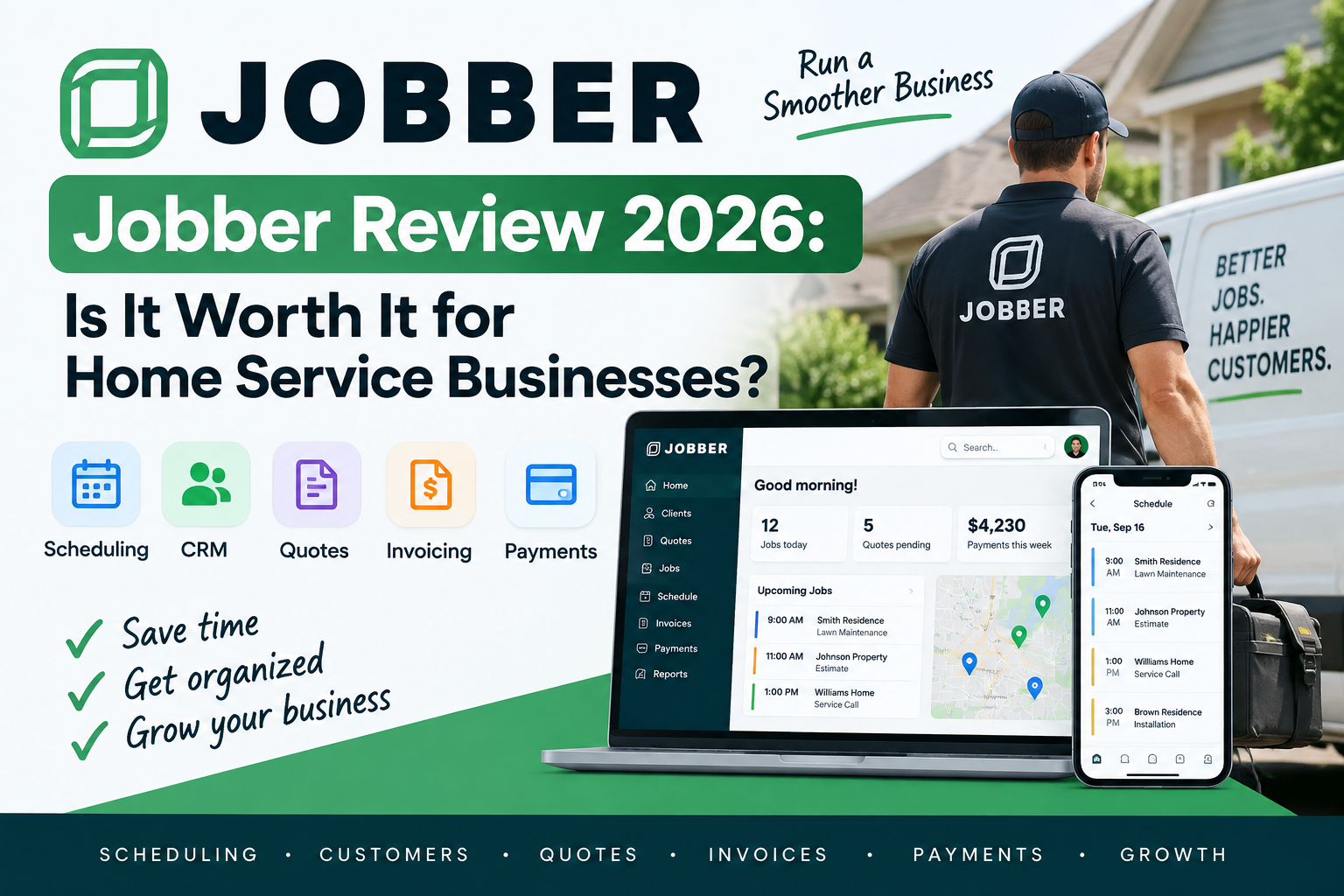
Jobber is one of the most recognizable field service management platforms for small home service businesses.
It combines customer management, scheduling, quotes, jobs, invoicing, payments, online booking, and mobile tools in one system.
For contractors still managing work through spreadsheets, calendars, text messages, and separate invoicing apps, that can simplify a large part of the business.
But Jobber is not cheap once you move beyond its entry-level plan.
Many of its most useful automation, profitability, and sales features require Connect, Grow, or Plus.
So is Jobber actually worth paying for in 2026?
In this Jobber review, we look at its major features, pricing, strengths, weaknesses, ideal users, and how it compares with alternatives such as Housecall Pro.
Pricing and features were reviewed in September 2026 and may change over time.
Jobber Review: Quick Verdict
Jobber is best suited to solo operators and small to midsize home service businesses that want an easy-to-understand field service system without immediately adopting enterprise software.
Its strongest advantages are:
- Straightforward workflow
- Scheduling
- Customer management
- Professional quotes
- Online booking
- Invoicing and payments
- Client portal
- Recurring jobs
- Mobile access
- Automation on higher plans
Its biggest drawback is pricing.
Jobber starts relatively cheaply, but several important features become available only on higher tiers.
For example, job costing is currently available on Grow and Plus rather than the entry-level plans.
Jobber at a Glance
| Category | Jobber |
|---|---|
| Best For | Solo and small-to-midsize service businesses |
| Starting Price | $29/month billed annually |
| Free Trial | 14 days |
| CRM | Yes |
| Scheduling | Yes |
| Dispatching | Yes |
| Online Booking | Yes |
| Quotes | Yes |
| Invoicing | Yes |
| Online Payments | Yes |
| Recurring Jobs | Yes |
| Client Portal | Yes |
| Job Costing | Grow and Plus |
| QuickBooks Online | Available on higher plans |
| Mobile App | iOS and Android |
| Integrations | 100+ |
Jobber’s App Marketplace surpassed 100 integrations, according to the company’s 2026 product information.
What Is Jobber?
Jobber is field service management software built for businesses that perform work at customer locations.
It supports industries including:
- HVAC
- Plumbing
- Electrical
- Landscaping
- Cleaning
- Lawn care
- Pest control
- Painting
- Pressure washing
- Pool service
- Handyman businesses
- Roofing
- Tree care
The idea is simple.
Instead of maintaining separate systems for customer information, scheduling, estimates, invoices, and payments, Jobber connects those activities in one workflow.
A typical customer can move through:
Request → Quote → Job → Schedule → Invoice → Payment
Jobber’s own documentation connects quotes directly with jobs, scheduling, and invoicing after customer approval.
That connected workflow is the main reason a small service business would consider using Jobber.
Jobber CRM and Customer Management
Customer management is one of Jobber’s core functions.
Every request, quote, job, and invoice can be connected with a client record.
Customer profiles can contain information such as:
- Contact details
- Property addresses
- Billing history
- Job history
- Notes
- Quotes
- Invoices
The mobile app also lets field employees access customer profiles while away from the office.
Why This Matters
Imagine an HVAC customer calls six months after a previous repair.
Without centralized software, the technician may need to search through:
- Emails
- Paper invoices
- Text messages
- Accounting software
- Another employee’s notes
With Jobber, previous work can remain associated with the customer.
That becomes more valuable once several employees serve the same customers.
CRM Verdict
Jobber’s CRM is not designed to replace a sophisticated enterprise sales platform such as Salesforce.
But for a home service business, that can actually be a benefit.
The CRM is connected directly with jobs instead of being primarily designed around long B2B sales cycles.
Jobber Quotes
Jobber allows contractors to create professional digital quotes.
Quotes can be connected directly to the rest of the workflow.
Once a quote is approved, businesses can convert it into a job and schedule the work.
Customers can also approve quotes online.
Jobber’s Client Hub allows customers to review quotes and approve them electronically, including signature-based approval.
Quote Templates
Reusable quote templates are currently available across Jobber plans.
Templates can contain prefilled:
- Line items
- Pricing
- Terms
That can help contractors create consistent estimates without rebuilding common services every time.
Advanced Quotes
Higher plans add richer quote capabilities.
Grow, for example, currently includes functionality around:
- Images
- Reviews
- Optional line items
- More advanced proposal presentation
Optional items can help contractors upsell services.
A landscaping company could quote:
Weekly lawn service
and offer optional:
Mulching
Hedge trimming
Seasonal cleanup
A customer can consider those upgrades without the contractor creating a completely separate quote.
Quote Verdict
Jobber’s quoting system is one of its more useful features for service businesses because it connects sales directly with the job workflow.
Jobber Scheduling
Scheduling is another core Jobber feature.
Businesses can manage field-service jobs through a centralized calendar and assign work to employees.
Jobber supports:
- One-time jobs
- Recurring jobs
- Team assignments
- Rescheduling
- Customer reminders
- Online bookings
The platform also supports drag-and-drop calendar adjustments and route-related functionality.
Recurring Jobs
Recurring work is particularly important for businesses such as:
- Cleaning companies
- Lawn care
- Landscaping
- Pool service
- HVAC maintenance
Instead of manually recreating the same service every week or month, a company can build repeating jobs into the system.
Scheduling Verdict
For small teams, Jobber’s scheduling approach is straightforward.
Larger businesses with complicated dispatch centers may prefer more specialized dispatch-oriented platforms, but Jobber handles the requirements of many small service operations well.
Jobber Dispatching
Scheduling answers:
When should the job happen?
Dispatching answers:
Who should go, and what does that person need to know?
Jobber provides field dispatching functionality that connects customer requests, schedules, job details, team assignments, and field employees.
Its current dispatch product includes request management, drag-and-drop scheduling, job details, GPS-related tools, reminders, and customer arrival messages.
Dispatch Verdict
Jobber is capable enough for many small and growing teams.
However, if managing a large fleet of technicians is the main operational problem in your company, comparing Jobber with Housecall Pro or ServiceTitan makes sense.
Jobber Online Booking
Jobber supports online booking through customizable request forms.
Businesses can choose whether customers:
- Submit a request
- Schedule an assessment
- Directly book available service
When booking is enabled, customers can select available times based on the company’s schedule.
Jobber then creates the appropriate records inside the workflow.
Why Online Booking Matters
Customers do not always look for contractors during normal office hours.
Someone may search for:
plumber near me
at 9 PM.
If the only option is calling the office, the lead may disappear.
Online booking gives that person another way to begin the sales process.
Jobber Client Hub
Client Hub is one of Jobber’s strongest customer-facing features.
It is a self-service portal where customers can:
- Approve quotes
- Check appointment information
- Pay invoices
- Print receipts
- Request more work
The portal is mobile friendly.
Why Client Hub Is Useful
Every routine question that a customer answers themselves is one fewer task for office staff.
Instead of calling to ask:
When is my appointment?
or:
Where can I pay this invoice?
the customer can check online.
That benefit becomes increasingly important as the customer base grows.
Jobber Invoicing
Jobber connects invoicing directly with jobs.
Once work is completed, the business can generate an invoice containing relevant job details.
The platform supports multiple payment workflows and can track invoice status.
Depending on the plan and setup, Jobber also supports:
- Automatic invoice follow-ups
- Online payments
- Automatic payments
- Progress invoicing
- In-person payments
Automatic Payments
Automatic payments can be particularly valuable for recurring service companies.
Jobber can automatically create and charge invoices using a customer’s stored payment method for qualifying recurring workflows.
Consider a cleaning company with 100 recurring customers.
Manually sending and following up on every invoice every month creates unnecessary administrative work.
Automatic billing can reduce that workload significantly.
Jobber Payments
Customers can pay invoices through Jobber.
Exact processing fees depend on factors such as:
- Plan
- Payment type
- Country
- Current Jobber Payments pricing
Businesses processing significant revenue should calculate payment-processing costs separately from the software subscription.
A small difference in processing fees can become meaningful when hundreds of thousands of dollars flow through the platform.
Jobber Automation
Automation is one of the main reasons to move above Jobber Core.
Connect currently adds functionality including:
- Automated customer reminders
- Automatic payment collection
- Quote follow-ups
- Invoice follow-ups
- Checklists
- Time tracking
- Expense tracking
Jobber’s current pricing page lists those features as part of Connect and above.
Why Automation Matters
Without automation:
- A quote is sent.
- Nobody responds.
- Someone has to remember to follow up.
- The employee becomes busy.
- The lead disappears.
The same problem occurs with:
- Unpaid invoices
- Appointment reminders
- Recurring customers
- Follow-up messages
Automation reduces the number of tasks dependent on someone’s memory.
Jobber Job Costing
Job costing is particularly important for contractors selling higher-value work.
Jobber currently provides job costing on Grow and Plus.
The system uses data such as:
- Employee time
- Line-item costs
- Expenses
- Job revenue
to calculate:
- Total cost
- Profit
- Profit margin
Why Job Costing Matters
Imagine an electrical contractor completes a project for:
$8,000
That sounds like a good job.
But assume:
Materials: $4,000
Labor: $3,000
Other costs: $700
Actual profit:
$300
Revenue alone hides that problem.
Job costing helps contractors understand which jobs actually make money.
Job Costing Verdict
If profitability tracking is important, Core and Connect may not be enough.
That is one of the strongest reasons to consider Grow.
Jobber Expenses
Jobber can also track business expenses on supported plans.
Expenses can be associated with jobs and receipts can be attached.
The mobile app supports entering expenses from the field as well.
Connecting expenses with individual jobs improves the usefulness of job-costing data.
Jobber Mobile App
Jobber provides mobile apps for iOS and Android.
Field employees can use the app to:
- View schedules
- Access customers
- View jobs
- Create quotes
- Add notes
- Track work
- Create invoices
- Collect payments
The app also sends notifications related to schedule changes, booking requests, customer messages, and quote activity.
Why Mobile Matters
Field-service software is not useful if technicians need to return to an office computer every time they need information.
The mobile app allows Jobber to act as an operational tool rather than simply an administrative database.
Jobber Integrations
Jobber’s App Marketplace now supports more than 100 integrations according to the company’s 2026 announcement.
Examples of connected tools include areas such as:
- Accounting
- Lead generation
- Fleet management
- Marketing
- Documents
- Automation
Jobber’s help center currently lists integrations involving tools such as QuickBooks Online, Mailchimp, DocuSign, CallRail, Angi Leads, and fleet products.
AI Integrations
Jobber’s marketplace documentation also now references connections with ChatGPT and Claude.
This is an interesting direction for companies that want AI tools to work with actual business data rather than being completely separate from field operations.
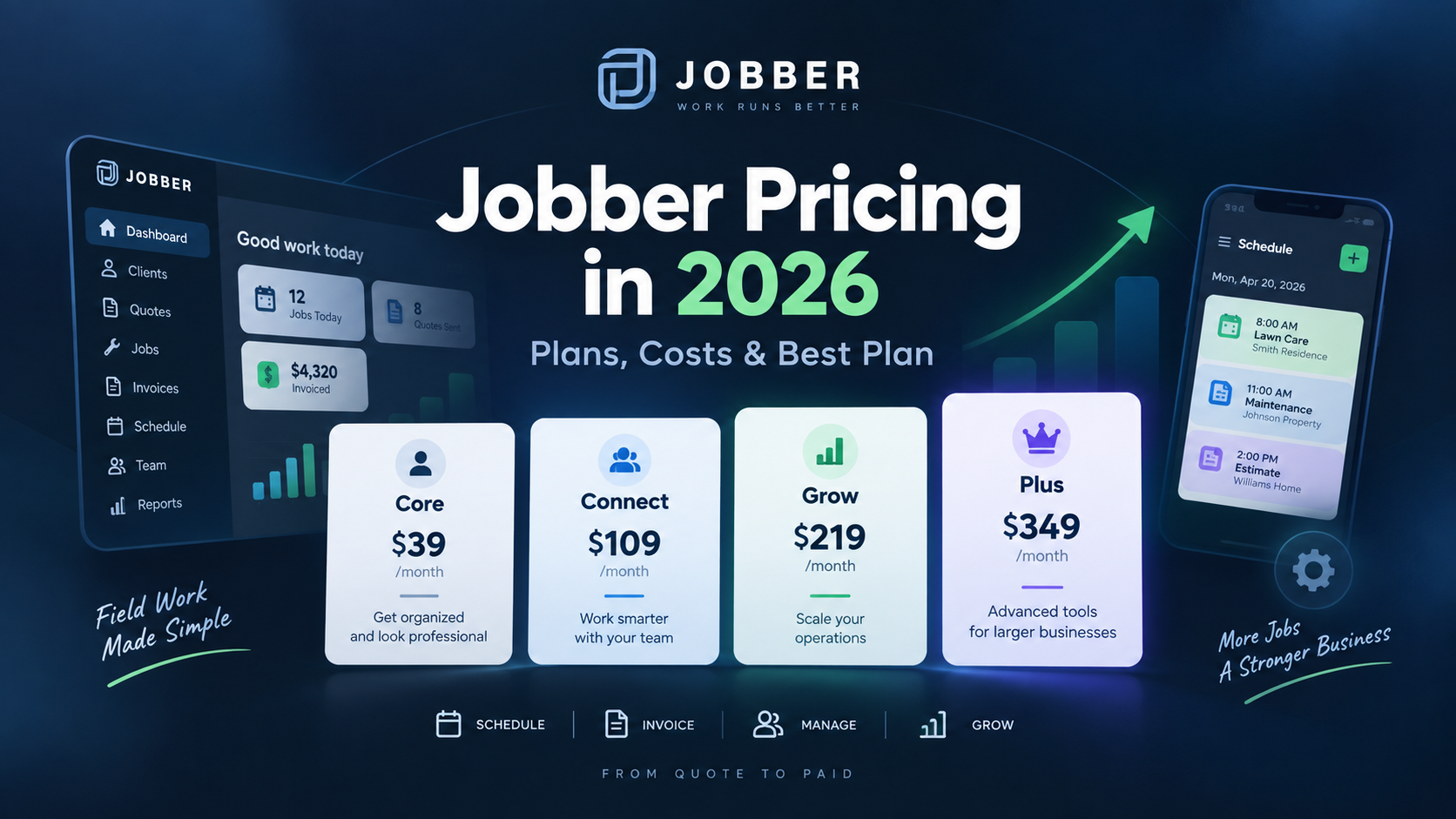
Jobber Pricing
Jobber currently has four standard plans.
Regular annual starting prices are:
| Plan | Starting Price | Best For |
|---|---|---|
| Core | $29/month | Solo operators |
| Connect | $99/month | Small teams and automation |
| Grow | $149/month | Sales and profitability |
| Plus | $399/month | Larger operations |
These are the regular annual-billing prices rather than temporary promotional discounts.
Jobber is currently displaying a limited-time September promotion on its pricing page, so the amount shown during signup may temporarily be lower.
For a complete breakdown of each tier, see our Jobber pricing guide.
Jobber Core
Core is designed primarily for one user.
It includes fundamentals such as:
- Online booking
- Scheduling
- Quotes
- Jobs
- Invoices
- Online payments
- Reporting
- App integrations
The Core plan supports unlimited quotes, jobs, and invoices.
Best For
Core is best for:
- Solo operators
- Side businesses
- New contractors
- One-person service companies
For these businesses, Core offers considerable functionality for $29 per month with annual billing.
Jobber Connect
Connect is designed for companies that want more automation.
It adds functionality such as:
- Customer reminders
- Automatic payments
- Quote follow-ups
- Invoice follow-ups
- Checklists
- QuickBooks Online
- Time tracking
- Expenses
Best For
Connect is useful when administrative work is becoming harder to manage manually.
For a small team, saving office time may matter more than paying the lowest possible subscription price.
Jobber Grow
Grow adds more sales and profitability functionality.
Current features include:
- Advanced quotes
- Optional line items
- Quote images and reviews
- Two-way SMS
- Custom automation
- Automatic time tracking
- Job costing
Best For
Grow makes sense for businesses selling larger jobs where:
- Quote conversion matters
- Upselling matters
- Profit margins matter
HVAC, electrical, plumbing, and larger landscaping projects are good examples.
Jobber Plus
Plus is aimed at more complex operations.
Its current feature set includes additional team-management, job-documentation, lead-management, marketing, AI, onboarding, and support capabilities.
Best For
Plus becomes easier to justify when:
- Several crews are involved
- Business volume is substantial
- Lead management is complex
- Operational inefficiency is expensive
For most solo contractors, Plus is unnecessary.
Is Jobber Easy to Use?
Jobber’s biggest usability advantage is its workflow.
The structure is easy to understand:
Client → Quote → Job → Invoice
That mirrors how many service businesses already operate.
A contractor does not need to learn a completely new sales methodology before using the platform.
However, the number of features grows significantly on higher plans.
Businesses adopting automation, job costing, integrations, and advanced workflows should expect some setup time.
What We Like About Jobber
1. Strong Workflow
The entire customer lifecycle can remain connected.
That reduces duplicate data entry.
2. Good Fit for Small Businesses
Core gives solo operators an accessible entry point.
3. Client Hub
The customer portal improves the customer experience while reducing routine office work.
4. Recurring Service Support
Jobber works particularly well for businesses with recurring customers.
5. Professional Quotes
Quotes can move directly into jobs after approval.
6. Automation
Higher plans can eliminate repetitive customer follow-ups.
7. Mobile Tools
Technicians can access important information without returning to the office.
8. Large Integration Ecosystem
More than 100 integrations give businesses flexibility to connect other tools.
What We Don’t Like About Jobber
1. The Price Rises Quickly
Core is inexpensive.
Higher plans are not.
A business can move from $29 per month to $149 or several hundred dollars relatively quickly.
2. Job Costing Requires Grow or Plus
Profitability tracking is highly valuable, but it is not included on the lower plans.
3. Advanced Automation Costs More
Core users do not receive many of Jobber’s strongest automation features.
4. Solo Pricing Can Be Misleading for Growing Companies
A company should not evaluate Jobber solely from its $29 headline price if several employees will need access.
5. Larger Operations May Want Deeper Dispatching
Jobber handles dispatching, but businesses with large technician fleets may want to compare platforms focused more heavily on complex field operations.
Jobber Pros and Cons
| Pros | Cons |
|---|---|
| Easy-to-understand workflow | Higher plans become expensive |
| Low starting price | Core mainly targets one user |
| CRM included | Job costing requires Grow or Plus |
| Strong scheduling | Advanced automation requires higher plans |
| Online booking | Larger teams may need more specialized dispatching |
| Professional quotes | Add-ons increase total cost |
| Client portal | |
| Recurring jobs | |
| Mobile apps | |
| 100+ integrations |
Who Is Jobber Best For?
Jobber is particularly well suited to:
Solo Contractors
A solo contractor can replace several separate tools with Core.
Small Service Teams
Connect can help small teams automate repetitive administrative work.
Recurring Service Businesses
Examples include:
- Landscaping
- Cleaning
- Lawn care
- Pool service
Contractors Selling Larger Jobs
Grow adds sales presentation and profitability capabilities that may be useful to:
- HVAC
- Plumbing
- Electrical
- Landscaping
Who Should Consider Something Else?
Jobber may not be the best fit if:
You Need the Cheapest Possible Software
Free or lower-cost industry-specific options may exist.
You Have a Very Large Dispatch Operation
ServiceTitan or another enterprise-oriented platform may be more appropriate.
You Need Heavy Construction Project Management
Jobber is primarily field-service software rather than a full construction ERP.
You Need Advanced Features on a Small Budget
Many of Jobber’s strongest features require higher plans.
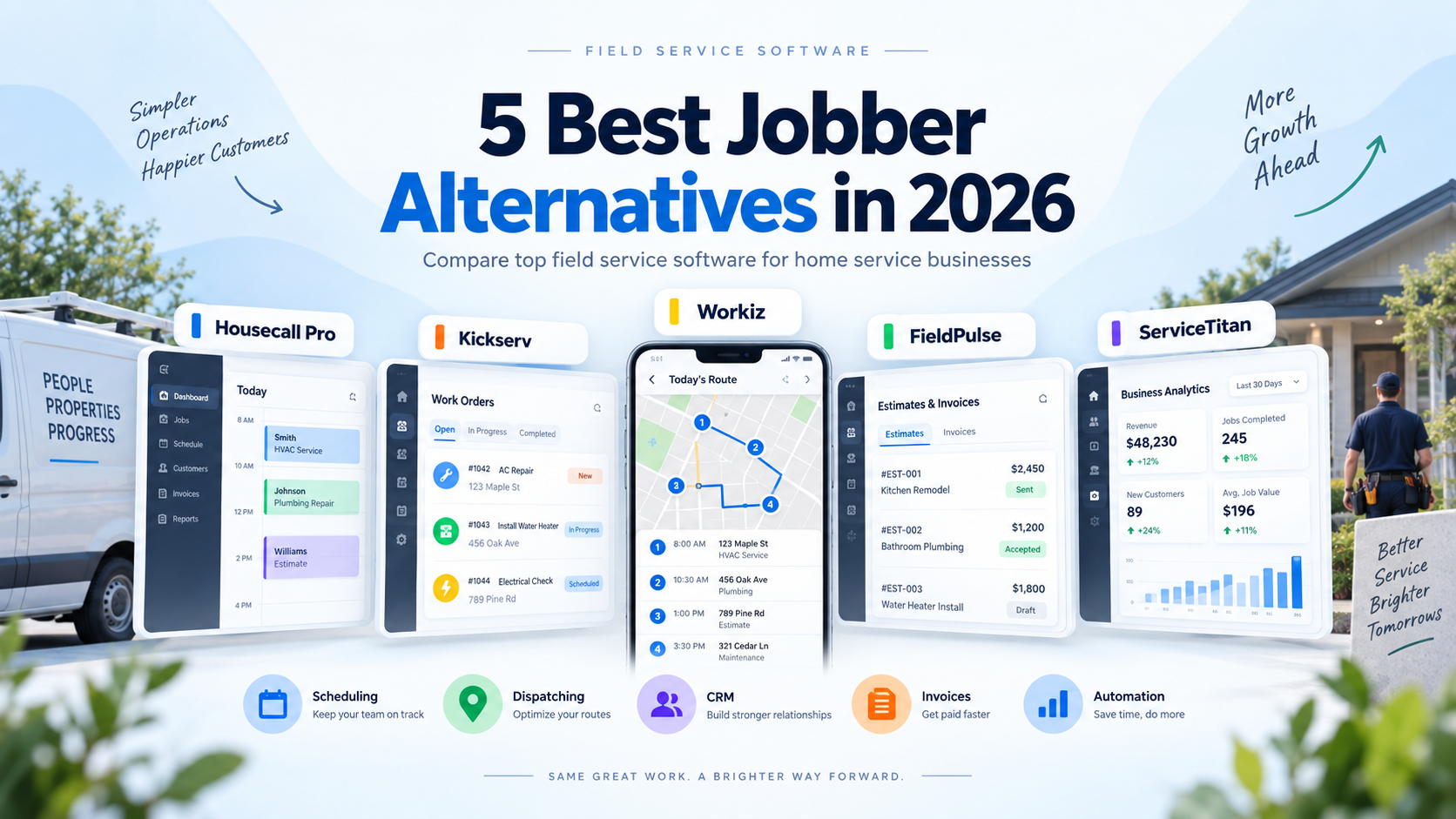
If one of these limitations matters to you, our Jobber alternatives guide compares several competing platforms.
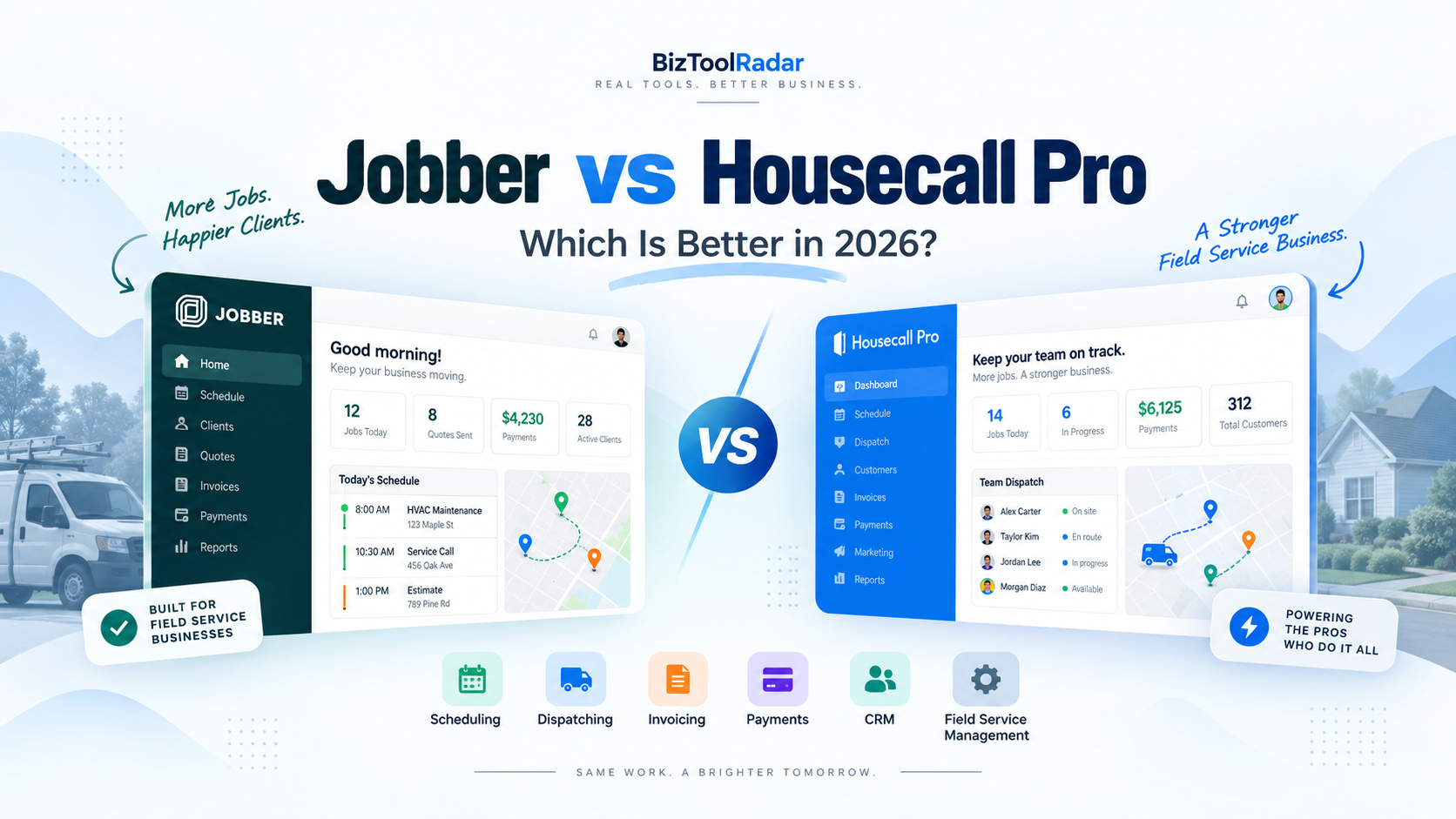
Jobber vs Housecall Pro
Housecall Pro is one of Jobber’s closest competitors.
Jobber has the lower standard entry price:
Jobber Core: $29/month annually
Housecall Pro Basic: $59/month annually
Jobber is particularly appealing to solo operators.
Housecall Pro places stronger emphasis on dispatching and trade-oriented field operations as teams grow.
For a full feature-by-feature breakdown, see our Jobber vs Housecall Pro comparison.
Jobber vs ServiceTitan
Jobber and ServiceTitan generally serve different levels of operational complexity.
Jobber is much easier for a small contractor to approach.
ServiceTitan provides deeper functionality for larger trade businesses and uses custom per-technician pricing.
A ten- or twenty-technician company may evaluate software very differently from a solo plumber.
Jobber vs Workiz
Workiz competes directly with Jobber in many field-service workflows.
Workiz places stronger emphasis on AI-related functionality including scheduling, leads, and customer communication.
Jobber may feel simpler for businesses focused on straightforward field-service management.
Jobber vs Industry-Specific Software
General field-service platforms are not always the best choice.
For example:
A cleaning company might compare Jobber with ZenMaid.
A landscaping company might compare Jobber with Yardbook or LMN.
A larger HVAC contractor might compare it with ServiceTitan.
The best choice depends on how much value specialized industry features provide.
Is Jobber Worth It for a Solo Contractor?
For many solo contractors, yes.
Core costs $29 per month with standard annual billing.
If Jobber replaces:
- Scheduling app
- Basic CRM
- Quote software
- Invoice software
- Payment workflow
the subscription can be relatively easy to justify.
The bigger question is whether the contractor will actually use the system consistently.
Buying software and continuing to manage everything through text messages and spreadsheets provides little benefit.
Is Jobber Worth It for a Small Team?
The calculation becomes more interesting for teams.
Connect starts at $99 per month annually for its standard entry configuration.
But automated reminders, follow-ups, time tracking, expenses, and accounting synchronization can reduce repetitive office work.
If several employees are involved, that time savings can exceed the software cost.
Is Jobber Worth It for a Growing Contractor?
Grow can provide substantial value when a business sells higher-priced work.
Imagine a plumbing company performs jobs worth several thousand dollars each.
If advanced quoting helps close one additional project or job costing prevents underpricing, the $149 monthly subscription becomes relatively small in comparison.
This is why software value should be measured against business impact rather than subscription price alone.
Our Recommendation
Jobber is one of the strongest options for small and growing home service businesses that want a connected customer-to-payment workflow without immediately adopting enterprise software.
For a solo contractor, Core is the most logical starting point.
For a small team struggling with repetitive administration, Connect is where Jobber’s automation becomes much more useful.
For contractors selling higher-value services, Grow is arguably the most interesting tier because it adds advanced quotes and job costing.
Plus is better suited to businesses that have already reached greater operational complexity.
Overall, Jobber’s biggest strength is not any single feature.
It is the way customer management, quoting, scheduling, jobs, invoicing, payments, and mobile operations connect with each other.
Its biggest weakness is that businesses must move into increasingly expensive plans to access many of its more advanced capabilities.
The 14-day free trial makes it worth testing your actual workflow before committing to an annual subscription. Jobber states that no credit card is required to start the trial.
Frequently Asked Questions
Is Jobber good software?
Jobber provides a strong combination of CRM, scheduling, quotes, jobs, invoices, payments, online booking, and mobile tools for home service companies.
Its suitability depends mainly on business size, required features, and budget.
How much does Jobber cost?
Regular annual pricing currently starts at:
Core: $29/month
Connect: $99/month
Grow: $149/month
Plus: $399/month
Temporary promotions may reduce the displayed signup price.
Does Jobber have a free plan?
No permanent free plan is currently offered.
Jobber provides a 14-day free trial.
Is Jobber good for solo contractors?
Yes.
Core is specifically designed around a single-user business and includes online booking, scheduling, quotes, jobs, invoicing, payments, and reporting.
Does Jobber include CRM?
Yes.
Jobber’s Client Manager keeps client and property information connected with requests, quotes, jobs, and invoices.
Does Jobber include job costing?
Yes, but job costing is currently available on Grow and Plus.
Can customers book online with Jobber?
Yes.
Jobber allows customers to submit service requests or book available appointments through request and booking forms.
Can customers pay online?
Yes.
Customers can pay qualifying invoices through Client Hub when Jobber Payments or a supported payment integration is configured.
Does Jobber have a mobile app?
Yes.
Jobber provides iOS and Android apps for managing field-service work.
Is Jobber better than Housecall Pro?
Neither platform is automatically better for every business.
Jobber has a lower entry price and a relatively straightforward workflow.
Housecall Pro may appeal more to businesses prioritizing dispatching and trade-specific field operations.
See our Jobber vs Housecall Pro comparison for a detailed breakdown.
Methodology: BizToolRadar evaluates software using official pricing pages, current product documentation, publicly available feature information, and how each platform fits common home-service workflows. We do not claim hands-on testing unless a product has actually been tested by our editorial team.
Last reviewed: September 2026. Pricing, promotions, plan limits, integrations, features, and payment fees may change. Always confirm current terms with Jobber before purchasing.