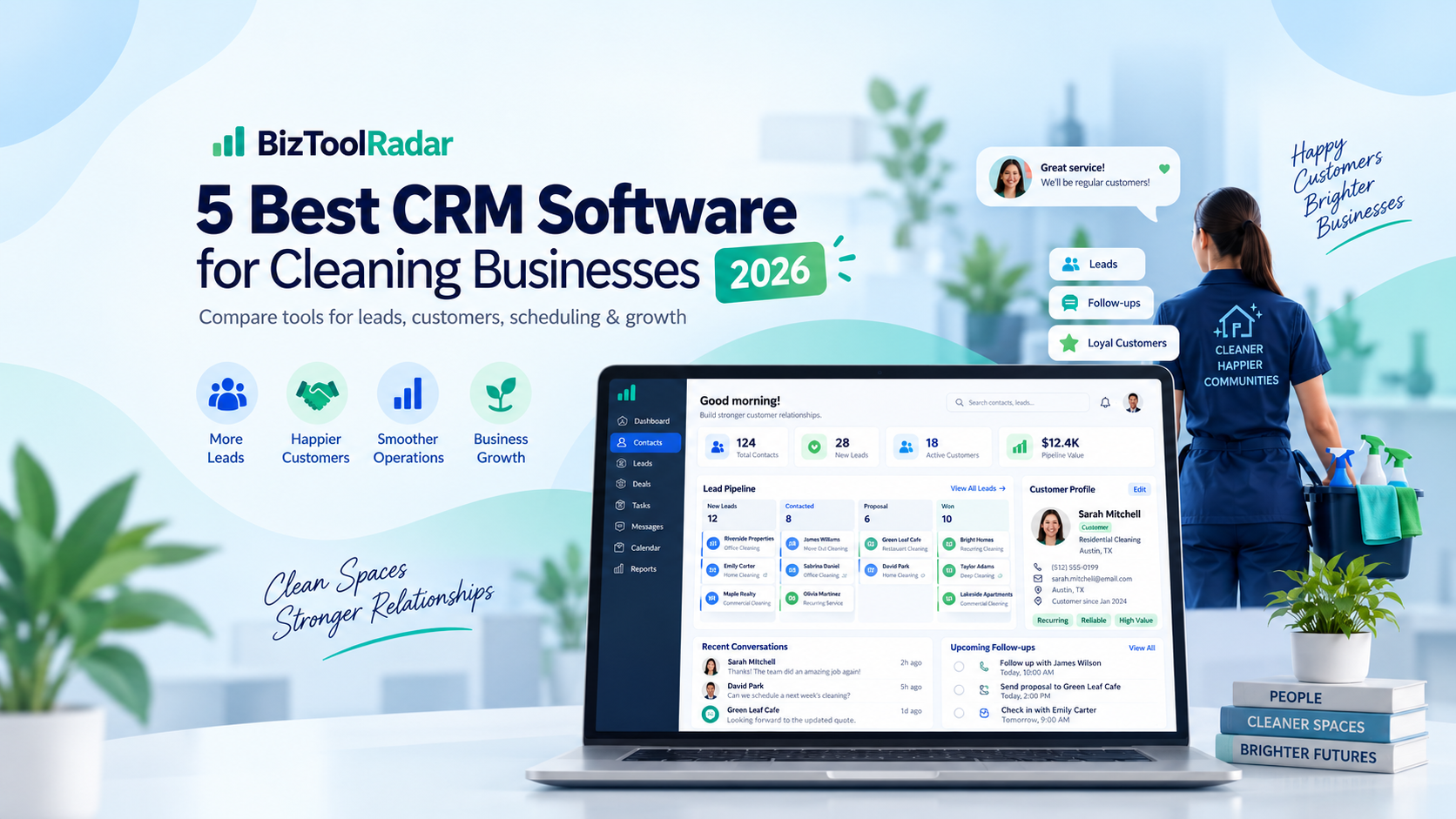
Running a cleaning business means managing much more than a list of customer names and phone numbers.
You may need to track leads, remember customer preferences, manage recurring appointments, send quotes, follow up with prospects, store property details, collect payments, and keep your team informed.
Once those details are spread across spreadsheets, text messages, calendars, and notebooks, it becomes increasingly difficult to provide consistent service.
That is where customer relationship management software can help.
The best CRM for a cleaning business should make it easy to organize customer information while also supporting the way a service business actually operates.
In this guide, we compare five CRM options for cleaning businesses in 2026 based on customer management, lead tracking, automation, scheduling, pricing, and overall suitability for cleaning companies.
Pricing and features were reviewed in September 2026 and may change over time.
Quick Comparison
| Software | Best For | Starting Price | Key Strength |
|---|---|---|---|
| ZenMaid | Residential cleaning businesses | $19/month | Cleaning-specific CRM |
| Jobber | All-in-one service management | $29/month with annual billing | CRM + jobs + invoicing |
| BookingKoala | Online booking businesses | $27/month | Lead-to-booking workflow |
| HubSpot | Businesses wanting a free CRM | $0 | Lead and contact management |
| MaidCentral | Established cleaning companies | $450/month | Advanced cleaning operations |
1. ZenMaid — Best Overall CRM for Cleaning Businesses
Best for: Residential cleaning and maid service businesses that want a CRM specifically designed for their industry.
ZenMaid is our top overall choice because it combines customer management with the workflows cleaning businesses use every day.
Rather than functioning as a traditional sales CRM that needs to be adapted for cleaning, ZenMaid is designed around cleaning customers, cleaners, recurring appointments, payments, and service communication.
Customer information can be stored in centralized profiles instead of being scattered across spreadsheets, messages, and calendars.
Useful CRM Features
ZenMaid provides searchable customer contacts and detailed customer profiles.
Businesses can keep track of phone numbers, email addresses, property addresses, appointment history, billing information, customer preferences, service notes, and custom fields.
Past, current, and upcoming appointments can also be viewed from the customer profile.
Communication is another important part of the platform.
Cleaning businesses can send automated or custom emails and text messages, including appointment reminders and follow-up messages.
Customer profiles can also include service ratings and information that helps cleaners understand each client’s individual preferences.
Lead Management
ZenMaid also helps businesses move prospects toward becoming paying customers.
Its booking and quote forms can collect information from potential customers and connect those leads with the scheduling system.
Automated follow-ups can reduce the chance that an interested prospect is forgotten after requesting information.
For a residential cleaning company, this creates a relatively simple path:
Lead → Quote or Booking → Appointment → Payment → Follow-Up
without requiring multiple unrelated systems.
Pricing
ZenMaid currently offers three main plans:
Starter: $19/month
Pro: $39/month
Pro Max: $49/month
The owner profile is included in the base price.
Additional cleaners, contractors, and office managers are charged separately depending on the selected plan.
The Starter plan is designed for smaller businesses with up to 40 appointments per month.
Why We Like It
The biggest advantage of ZenMaid is specialization.
A general CRM might be more powerful for complex sales pipelines, but many small cleaning businesses do not need enterprise sales software.
They need a reliable place to store customer details, schedule recurring cleanings, communicate with customers, manage cleaners, and keep track of payments.
ZenMaid brings those functions together in a system designed specifically around cleaning businesses.
Downsides
Pricing increases as additional users are added.
Businesses that provide several different home services rather than primarily cleaning may prefer a broader field-service platform.
Companies with sophisticated B2B sales pipelines may also find a traditional CRM such as HubSpot more flexible.
Verdict
Choose ZenMaid if you operate a residential cleaning or maid service and want customer management built directly into cleaning-business software.
2. Jobber — Best All-in-One CRM for Service Businesses
Best for: Cleaning businesses that want CRM, scheduling, quotes, jobs, invoices, and payments in one platform.
Jobber is one of the strongest options for a cleaning company that wants to manage nearly the entire customer lifecycle from one system.
Its client manager functions as a CRM where businesses can keep important customer information and job details organized.
But unlike a traditional CRM, Jobber also connects those customer records directly with field-service operations.
Useful CRM Features
Jobber includes a client manager for maintaining customer information.
Businesses can also track incoming requests, distinguish leads from active customers, manage job details, and maintain communication throughout the customer relationship.
The Client Hub gives customers a self-service area where they can review quotes, see appointment details, and pay invoices.
Online booking can also connect new customers directly with the company’s schedule.
Lead Management
Jobber’s lead-management features allow businesses to identify potential customers separately from active clients.
This can be useful when someone requests a cleaning quote but has not yet booked.
Rather than leaving that person’s information inside an email inbox or contact form, the business can keep the lead associated with its service workflow.
Higher-level features can add additional automation and pipeline functionality for companies with more complex sales processes.
Pricing
Jobber’s Core plan currently starts at:
$29/month when billed annually
The same Core plan costs more when paid without an annual commitment.
Core supports one user and includes core functions such as online booking, quotes, invoices, payments, reporting, and customer-management capabilities.
Higher plans add features such as automated reminders, additional users, two-way messaging, job costing, automation, and more advanced lead management.
Why We Like It
Jobber is particularly attractive for a business that does not want separate software for every task.
Your CRM record can connect to the actual service being delivered.
For example:
Customer request → Quote → Cleaning appointment → Job completion → Invoice → Payment
can all happen inside the broader Jobber workflow.
That makes it much more practical for field-service businesses than many sales-focused CRMs.
Downsides
Jobber can become significantly more expensive when additional users and advanced features are required.
A small residential cleaning business that only needs basic scheduling and customer records may find ZenMaid simpler.
Verdict
Choose Jobber if you want an all-in-one CRM and field-service platform that can continue supporting your cleaning business as it grows.
3. BookingKoala — Best CRM for Online Booking and Lead Conversion
Best for: Cleaning businesses that generate customers through their website and want to automate the booking process.
BookingKoala is not a traditional CRM in the same way as HubSpot.
Instead, it combines customer management with online booking, scheduling, payments, and lead-generation tools.
That makes it particularly interesting for cleaning businesses where customers frequently book services online.
Useful CRM Features
BookingKoala creates customer accounts that can store customer information, bookings, payment methods, and service activity.
Customers can use their own dashboard to manage appointments, create new bookings, duplicate previous bookings, reschedule services, leave ratings, and update payment information.
For the business owner, customer and booking information can be managed from a central administrative account.
Lead Management
BookingKoala provides lead-capture forms that can collect information from prospects.
Businesses can then review those leads and attempt to convert them into paying customers.
The platform’s real strength is what happens after that.
A potential customer can move from your website into a customizable booking form, select cleaning services, view availability and pricing, and book the service.
This reduces the number of manual steps between someone discovering your business and becoming a customer.
Pricing
BookingKoala currently starts at:
Starter: $27/month
Growing: $57/month
Premium: $197/month
The Starter plan includes up to five providers or 5 GB of storage.
Growing supports up to 15 providers or 15 GB, while Premium starts with up to 50 providers or 50 GB and includes more advanced marketing capabilities.
Why We Like It
BookingKoala is especially useful for businesses that treat their website as a major sales channel.
Instead of displaying a simple contact form that requires someone to call every lead back manually, customers can move directly toward booking.
It also offers features around referrals, customer ratings, gift cards, payments, cancellations, and service management.
Downsides
The platform can feel more like an online booking and business-management system than a conventional CRM.
Businesses focused heavily on B2B sales pipelines, deal stages, sales forecasting, and complex marketing automation may prefer HubSpot.
Verdict
Choose BookingKoala if generating and converting online bookings is one of the most important parts of your cleaning business.
4. HubSpot — Best Free CRM for Cleaning Businesses
Best for: New cleaning businesses that primarily need lead and customer tracking without paying for a full field-service platform.
HubSpot is different from the other products in this guide because it is a general-purpose CRM rather than software built for cleaning companies.
That can actually be an advantage for some businesses.
If your biggest problem is simply keeping track of leads and customer conversations, HubSpot offers a substantial set of CRM tools without requiring a monthly subscription to get started.
Useful CRM Features
HubSpot’s free CRM includes tools such as:
- Contact management
- Deal pipelines
- Tasks
- Email tracking
- Email templates
- Meeting scheduling
- Reporting dashboards
- CRM imports
A cleaning business could use a pipeline to track prospects through stages such as:
New Lead → Quote Requested → Quote Sent → Follow-Up → Booked → Lost
This is more sales-oriented than a platform such as ZenMaid.
Pricing
HubSpot’s free CRM currently costs:
$0/month
The free version supports up to two users and up to 1,000 contacts.
There is no credit card requirement and the free CRM does not expire.
HubSpot also offers paid plans with additional sales, marketing, service, automation, and CRM functionality.
Why We Like It
It is difficult to beat the free entry point.
For a solo cleaning-business owner who is currently tracking sales leads in a spreadsheet, HubSpot can provide a major organizational improvement without adding another monthly bill.
It can also become more powerful as a company develops a dedicated sales and marketing process.
Downsides
HubSpot does not replace cleaning-business operations software.
It is not primarily designed to assign cleaners, manage recurring cleaning appointments, dispatch teams, or run field-service workflows.
That means some cleaning companies may eventually use HubSpot alongside scheduling or field-service software rather than as their only platform.
Verdict
Choose HubSpot if you mainly want a free CRM for organizing leads, contacts, sales activity, and follow-ups.
5. MaidCentral — Best CRM for Established Cleaning Companies
Best for: Larger residential cleaning businesses that need advanced operational and customer-management tools.
MaidCentral is designed specifically for residential cleaning companies.
It combines CRM and sales functionality with scheduling, dispatching, online booking, marketing, payroll management, customer portals, reporting, and other operational tools.
The major difference is price.
MaidCentral is aimed much more toward established cleaning businesses than a solo cleaner who is just starting out.
Useful CRM Features
MaidCentral includes CRM and sales features alongside lead capture and automated follow-up capabilities.
It also supports online quoting and booking, customer communication, scheduling, customer portals, texting, marketing campaigns, and advanced reporting.
Because these features connect directly with cleaning operations, businesses can use customer information alongside scheduling and performance data rather than treating the CRM as a separate sales database.
Operational Tools
MaidCentral goes beyond basic contact management.
Its platform includes tools for areas such as:
- Scheduling
- Dispatching
- Customer portals
- Employee portals
- Online booking
- Marketing campaigns
- Invoicing
- Payroll management
- KPI dashboards
- Advanced reporting
This makes it significantly closer to a complete cleaning-company operating platform.
Pricing
MaidCentral currently starts at approximately:
$450/month
Pricing scales based on the number of physical locations and the number of completed jobs.
The company provides unlimited users and unlimited customers rather than charging for each individual employee.
There is also a one-time onboarding fee.
Why We Like It
MaidCentral makes much more sense once a cleaning business has enough volume that improving operations, customer retention, employee performance, pricing, and profitability can justify a larger software expense.
It is one of the most cleaning-specific options in this comparison.
Downsides
The starting price will be difficult to justify for many small cleaning businesses.
There is also no standard free trial, although businesses can request a demo.
Solo cleaners and very small teams should generally start with a lower-cost option.
Verdict
Choose MaidCentral if you operate an established residential cleaning company and need a more comprehensive platform for managing customers, employees, operations, and profitability.
Which CRM Is Best for Your Cleaning Business?
The best choice depends heavily on the size and structure of your company.
For most small residential cleaning businesses, ZenMaid is our overall recommendation.
Its CRM tools are connected directly to cleaning appointments, cleaners, customer communication, and payment workflows.
If you want a broader field-service platform that can support multiple types of service work, Jobber is the stronger all-in-one option.
Businesses that rely heavily on customers booking through their websites should consider BookingKoala.
If your main goal is simply organizing leads and customer relationships without spending money, HubSpot’s free CRM is difficult to ignore.
And established residential cleaning companies looking for deeper operational management should consider MaidCentral.
What Should a Cleaning Business Look for in a CRM?
A cleaning-business CRM should do more than store customer names.
The first thing to evaluate is how easily the system lets you access customer history.
When a recurring customer calls, you should be able to quickly see their previous appointments, contact information, property details, notes, and preferences.
Lead management is also important.
If someone requests a quote today but does not immediately book, the system should make it difficult for that potential customer to disappear.
Customer Notes and Preferences
Cleaning is a highly personal service.
One customer may have pets.
Another may want a particular room skipped.
Another may prefer certain products or have special access instructions.
Those details should be easy to record and retrieve.
Recurring Customer Management
Recurring customers are particularly important to many residential cleaning companies.
Your CRM should work effectively with customers who receive service every week, every two weeks, monthly, or according to another repeating schedule.
Communication
Automated reminders and follow-ups can save substantial administrative time.
Look for tools that can help with:
- Appointment confirmations
- Service reminders
- Quote follow-ups
- Post-service messages
- Review requests
- Customer reactivation
Scheduling Integration
A CRM becomes much more useful for a cleaning business when customer information connects directly to the schedule.
Otherwise, employees may end up maintaining the same information in both a CRM and a separate calendar.
Quotes, Invoices, and Payments
Some cleaning businesses may prefer to use separate accounting software.
Others will benefit from having quoting, invoicing, and payments connected directly to customer records.
There is no universally correct approach.
The important question is how many separate systems your team has to update every time something changes.
Do Small Cleaning Businesses Really Need a CRM?
Not every new cleaning company needs sophisticated CRM software on its first day.
If you are a solo cleaner with five customers, a spreadsheet and calendar may still be manageable.
The problem usually appears as the company grows.
Imagine having 100 customers.
Some receive weekly service.
Others receive biweekly service.
Some have pets, gate codes, preferred cleaners, special instructions, unpaid invoices, or previous complaints.
At the same time, new prospects are asking for quotes.
Trying to keep all of that information inside your memory, text messages, and spreadsheets creates opportunities for mistakes.
A CRM provides one central source of customer information.
That becomes increasingly valuable as employees are added because the business no longer depends entirely on one person’s memory.
CRM vs. Cleaning Business Software: What’s the Difference?
A traditional CRM primarily focuses on customer relationships and sales.
It helps businesses organize leads, contacts, conversations, deals, and follow-ups.
Cleaning-business software usually goes further into daily operations.
It may include:
- Scheduling
- Cleaner assignments
- Recurring jobs
- Time tracking
- Route management
- Quotes
- Invoicing
- Payments
- Cleaning checklists
That is why products such as ZenMaid and Jobber can be more practical for many cleaning businesses than a standalone CRM.
However, a company with a sophisticated sales process may still benefit from using a traditional CRM such as HubSpot alongside its operational software.
Our Final Recommendation
For most residential cleaning businesses, ZenMaid is the best place to start.
It provides customer-management functionality without forcing the business to adapt a generic sales CRM to cleaning workflows.
Jobber is our preferred alternative for businesses that want a broader all-in-one field-service system.
BookingKoala stands out for businesses that want customers to move quickly from their website into an online booking.
For businesses on a very limited budget, HubSpot provides a capable free CRM for managing leads and contacts.
Finally, MaidCentral is worth considering once your cleaning company reaches the size where deeper operational management can justify a substantially larger monthly investment.
The right CRM should ultimately reduce administrative work rather than create more of it.
Choose the platform that best matches how your customers actually move from discovering your cleaning business to becoming long-term recurring clients.
Frequently Asked Questions
What is the best CRM for a cleaning business?
ZenMaid is our overall recommendation for many residential cleaning businesses because it combines customer management with cleaning-specific scheduling, communication, payment, and service workflows.
Jobber is a strong alternative for companies that want a broader field-service management platform.
Is there a free CRM for cleaning businesses?
Yes.
HubSpot offers a free CRM that supports up to two users and 1,000 contacts.
It can be useful for tracking leads, customer information, sales opportunities, and follow-ups.
However, it does not provide the same cleaning-specific operational tools as platforms such as ZenMaid.
Can a CRM help a cleaning business get more customers?
A CRM cannot create demand by itself, but it can help prevent existing leads from being forgotten.
Businesses can use CRM tools to organize inquiries, track quotes, schedule follow-ups, and maintain customer communication.
This can improve the process of turning interested prospects into paying customers.
Should I use a CRM or scheduling software?
For many cleaning businesses, using software that combines both is more convenient.
ZenMaid, Jobber, BookingKoala, and MaidCentral combine customer-management capabilities with scheduling or booking functions.
A traditional CRM such as HubSpot may be better when sales and lead management are the primary concern.
When should a cleaning business start using CRM software?
A CRM becomes useful once managing customer information manually starts consuming time or causing mistakes.
Implementing one relatively early can also make future growth easier because customer information is organized before the database becomes large.
Methodology: BizToolRadar evaluates software using publicly available product documentation, current pricing information, feature documentation, and how well each platform fits the workflow of the businesses covered. We do not claim hands-on testing unless a product has actually been tested by our editorial team.
Last reviewed: September 2026. Pricing and features may change. Always confirm current terms with the software provider before purchasing.