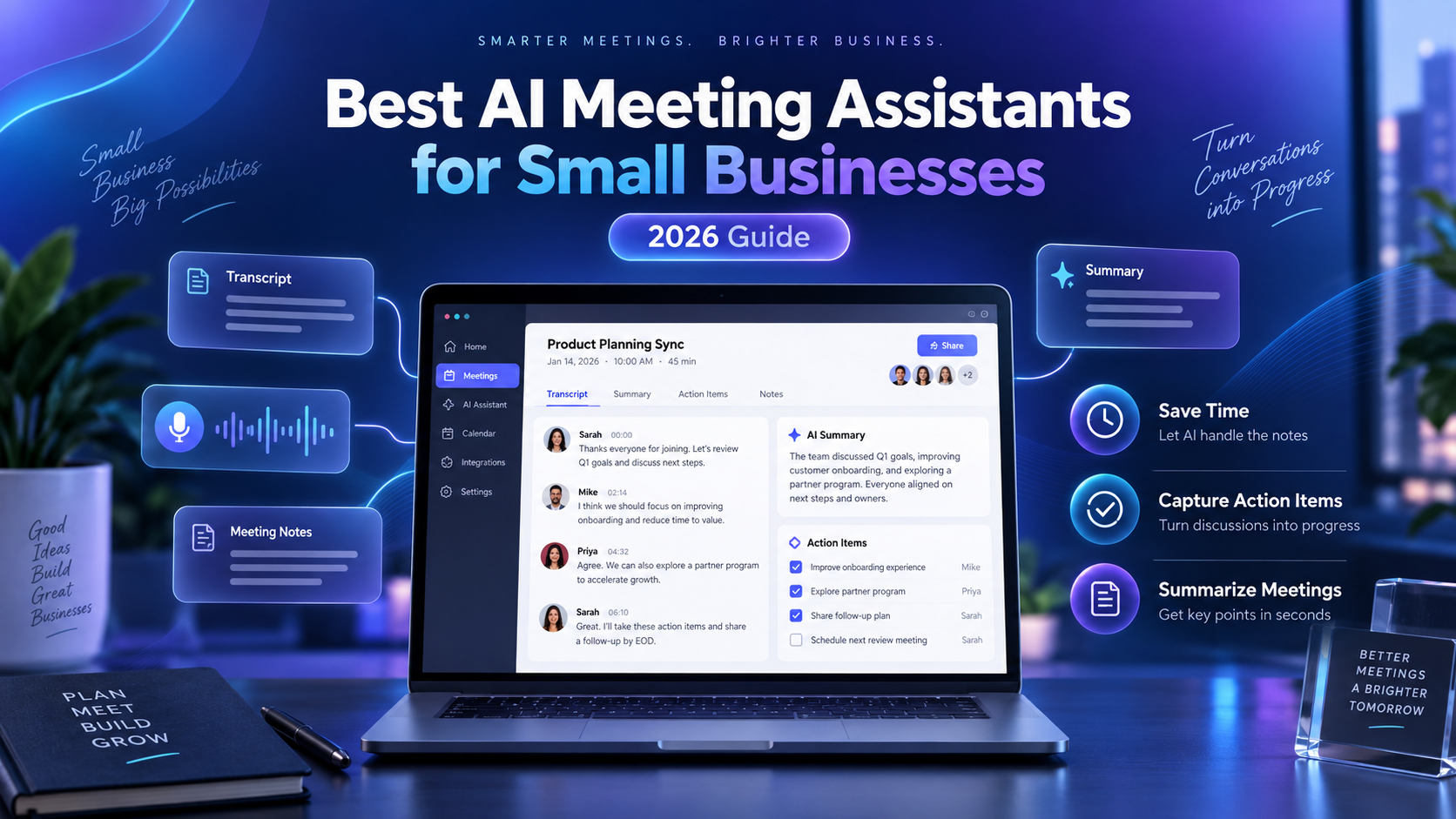
Running a small business often means spending hours every week in meetings, client calls, interviews, and team discussions.
The problem is not just the meetings themselves.
It is everything that comes afterward.
Someone has to write notes, remember decisions, assign action items, and make sure important details do not disappear.
That is where AI meeting assistants can help.
Modern AI meeting tools can automatically record meetings, create transcripts, summarize conversations, identify action items, and make past discussions searchable.
In this guide, we compare some of the best AI meeting assistants for small businesses in 2026.
Quick Comparison
| Tool | Best For | Free Plan | Starting Paid Plan |
|---|---|---|---|
| Fireflies.ai | Best overall for small teams | Yes | $10/user/month annually |
| Otter.ai | Easy transcription and live notes | Yes | From about $8.33/user/month annually |
| Fathom | Client and sales meetings | Yes | Paid team plans available |
| tl;dv | Remote teams and meeting highlights | Yes | Paid plans available |
Pricing and features can change, so always check the provider’s current pricing page before purchasing.
1. Fireflies.ai — Best Overall for Small Businesses
Best for: Teams that want transcription, summaries, integrations, and searchable meeting history.
Fireflies.ai is one of the strongest all-around AI meeting assistants for small businesses.
It can automatically join meetings on platforms such as Zoom, Google Meet, and Microsoft Teams, record conversations, create transcripts, and generate AI-powered summaries.
One of its biggest strengths is that it goes beyond basic transcription.
You can search previous conversations, identify action items, review meeting summaries, and connect meeting information with other business tools.
Fireflies currently offers a free plan, while its Pro plan starts at $10 per user per month when billed annually. The Pro plan includes unlimited transcription and AI summaries, while the Business tier adds features such as conversation intelligence and team analytics.
Pros
- Unlimited transcription on paid plans
- Works with major meeting platforms
- AI-generated summaries
- Searchable meeting history
- Useful integrations for growing businesses
- Good option for sales and client-facing teams
Cons
- Advanced AI functionality may require additional AI credits
- Some business analytics features require higher-tier plans
Verdict
For most small businesses, Fireflies.ai is our best overall choice because it offers a strong combination of transcription, automation, integrations, and team features.
2. Otter.ai — Best for Simple and Reliable Meeting Notes
Best for: Small teams that want an easy way to record and review meetings.
Otter.ai is one of the best-known AI transcription and meeting note platforms.
It provides live transcription, speaker identification, meeting summaries, searchable conversations, and AI chat functionality.
Otter integrates with Zoom, Microsoft Teams, and Google Meet, making it relatively easy to fit into an existing workflow.
The free Basic plan includes 300 monthly transcription minutes, while the paid Pro tier increases usage limits and adds more advanced functionality. Otter’s current annual pricing page lists Pro at approximately $8.33 per user per month, although pricing may vary depending on billing options and promotions.
Pros
- Very easy to use
- Strong live transcription
- Speaker identification
- Searchable transcripts
- Free plan available
- Mobile apps available
Cons
- Free-plan transcription limits can feel restrictive
- Larger teams may need a more expensive plan
Verdict
Otter is an excellent choice if your main priority is simple, dependable transcription and meeting notes rather than advanced sales analytics.
3. Fathom — Best for Client and Sales Calls
Best for: Consultants, agencies, sales teams, and businesses that spend a lot of time talking with clients.
Fathom focuses heavily on making meetings easier to review.
Instead of manually writing notes during a sales or client call, businesses can use an AI meeting assistant to capture the conversation and generate organized summaries afterward.
This can be especially valuable for businesses where missing one customer request or follow-up task could cost a sale.
Pros
- Useful for customer-facing meetings
- Saves time writing follow-up notes
- Meeting highlights make conversations easier to review
- Good fit for consultants and sales professionals
Cons
- May be more functionality than necessary for users who only need basic transcription
- Team features can require a paid subscription
Verdict
If your business spends much of its time on sales calls, customer meetings, or consulting sessions, Fathom is worth considering.
4. tl;dv — Best for Remote Teams
Best for: Distributed teams using video meetings throughout the week.
tl;dv is another AI meeting assistant designed around recording, transcription, summaries, and meeting highlights.
Its workflow can be particularly useful for remote businesses.
Instead of requiring every employee to attend every meeting, teams can record conversations and allow other employees to review important moments afterward.
That can reduce unnecessary meetings while still keeping everyone informed.
Pros
- Designed around remote meetings
- Meeting recording and transcription
- AI summaries
- Easy sharing of important moments
- Useful for asynchronous teams
Cons
- Some of the most useful team features are available only on paid plans
- Small solo businesses may not need all of its collaboration tools
Verdict
tl;dv is particularly appealing to remote-first businesses and distributed teams that want to reduce meeting overload.
What Should You Look for in an AI Meeting Assistant?
Not every small business needs the same features.
Before paying for an AI meeting tool, consider the following.
Automatic Meeting Recording
A good AI meeting assistant should work with the video conferencing software you already use.
For most businesses, that means compatibility with:
- Zoom
- Google Meet
- Microsoft Teams
AI Summaries
Transcription alone can still leave you with thousands of words to review.
AI-generated summaries can turn a one-hour meeting into a short overview containing the most important decisions and discussion points.
Action Items
Look for software that can identify tasks and follow-up items automatically.
For example:
John will send the proposal by Friday.
Being able to extract this automatically can prevent important tasks from being forgotten.
Searchable Meeting History
Once your business has hundreds of recorded meetings, search becomes extremely valuable.
You should be able to ask questions such as:
“What pricing did the client discuss last month?”
and quickly find the relevant conversation.
Integrations
If your business already uses CRM, project management, or communication software, integrations can save significant time.
Common integrations include:
- Slack
- HubSpot
- Salesforce
- Zapier
- CRM platforms
Privacy and Security
Meeting recordings may contain customer information, internal discussions, or sensitive business details.
Before choosing a provider, check its security controls, data retention policies, and compliance options.
Are AI Meeting Assistants Worth It for Small Businesses?
For many businesses, yes.
Imagine a five-person team where each employee spends just 30 minutes per day organizing meeting notes.
That is:
2.5 hours per day
12.5 hours per week
Approximately 50 hours per month
Even reducing part of that administrative work can make an AI meeting assistant worthwhile.
The biggest value is not necessarily the transcript itself.
It is being able to:
- remember customer requests
- capture decisions
- generate action items
- search previous conversations
- spend less time writing notes
For small businesses where employees already handle multiple roles, that saved time can be particularly valuable.
Which AI Meeting Assistant Is Best?
For most small businesses, we would start with Fireflies.ai.
It offers a strong combination of meeting transcription, AI summaries, integrations, searchable conversations, and team functionality. Its Pro plan currently starts at $10 per user per month when billed annually.
Choose Otter.ai if:
You primarily need straightforward transcription and meeting notes.
Choose Fireflies.ai if:
You want the best overall combination of features for a growing small business.
Choose Fathom if:
Most of your meetings are customer, sales, or consulting calls.
Choose tl;dv if:
You run a remote team and want employees to review meetings asynchronously.
Final Thoughts
AI meeting assistants have evolved from simple transcription tools into practical business productivity platforms.
For a small business, the right tool can reduce administrative work, improve follow-ups, and prevent important information from getting lost after meetings.
The good news is that several leading platforms offer free plans, so you do not necessarily have to pay before testing them.
Start with one or two tools, use them during real meetings for a week, and choose the one that fits your workflow best.